
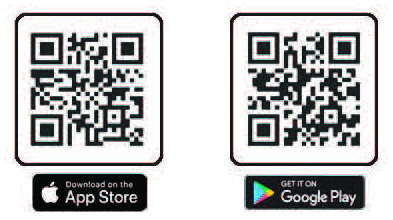
The YMCA’s mobile app is here to serve our members! Download the YMCA360 app from the App Store or Google Play today, create your account and get started.
Scan the QR Codes below or go to the App Store or Google Play and search YMCA 360.
YMCA360 puts all the tools you need for a healthier lifestyle right in the palm of your hand.
- Access to more than 2,500 on-demand classes,
- Livestream classes,
- Check your Y’s schedules,
- Use your barcode for fast check-in,
- Earn points for rewards,
- Participate in challenges,
- Track your workouts and activities,
- Receive notifications, such as schedule changes, inclement weather and facility updates.
All this from one convenient mobile app!
HOW TO USE THE APP
LOGGING IN
Select the “Log in” button and enter the email address that is attached to your YMCA account. If you don’t have an account, go to www.jcymca.org, click “Sign in/Sign Up” at the top of the page.
Enter your zip code.
Choose your YMCA Branch – the facility you use most often. You will be able to change this when needed.
Enter the 6-digit code that was sent to your email.
USING THE APP TO SCAN IN
After logging in, your scan card will automatically populate to your app. Click the icon at the top of your screen to scan in at any YMCA front desk.
TRACKING ACTIVITY
Click the “Activity” button at the bottom of the main menu then select the “Workouts” button. Click “+” in the upright corner and enter your workout information.
CONNECTING A WEARABLE DEVICE
Click the “Activity” button at the bottom of the main menu then select “Connect to Apple Health” or “Connect to Google Fit” depending on your device. Read the information and decide if you want to proceed.
HOW TO JOIN A CHALLENGE
Click “My Challenges”. Click the “All” tab to see eligible challenges. Click on a challenge to see the details. Select “Join Challenge.”
HOW TO EARN POINTS
Click the “Points” tile on the home screen. The “Points History” screen will show the ways you’ve already earned points and how many you have. The “Get Points” page will show the ways you can earn points.
HOW TO REDEEM POINTS
Click the “My Points” button in the main menu. Select “Rewards” at the top left. Toggle to “Earn Rewards” to redeem the reward you would like. After selecting “Redeem” on an item, enter the required details.


